Second Take
When you cannot name what is wrong, the only move left is "try again" — and that either misses the point or rewrites what was already right.
You paste an unsatisfying answer and the reasoning behind it — it names what went wrong and how to check, then hands you a retake note (an optimization & checking instruction) you copy in full and paste back into the original chat, so the original AI answers better.
It does not write the answer for you. Your habits, your context and the result you want all stay in the original AI's chat.
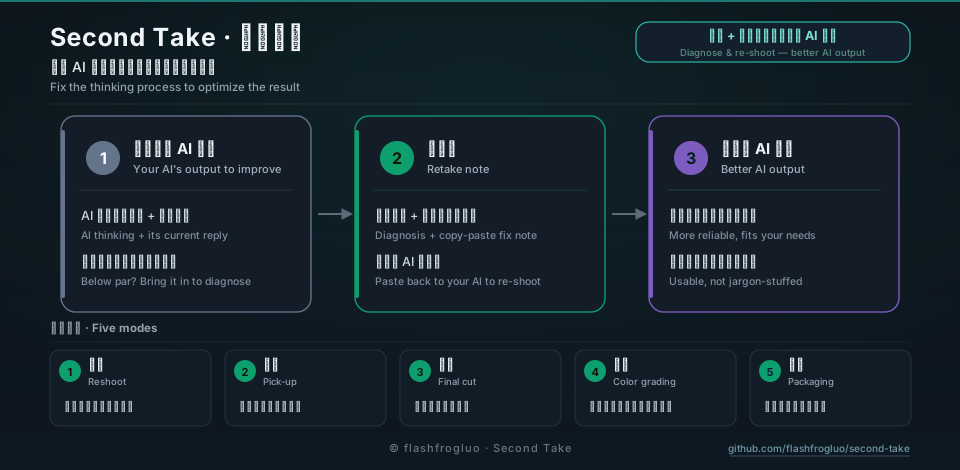
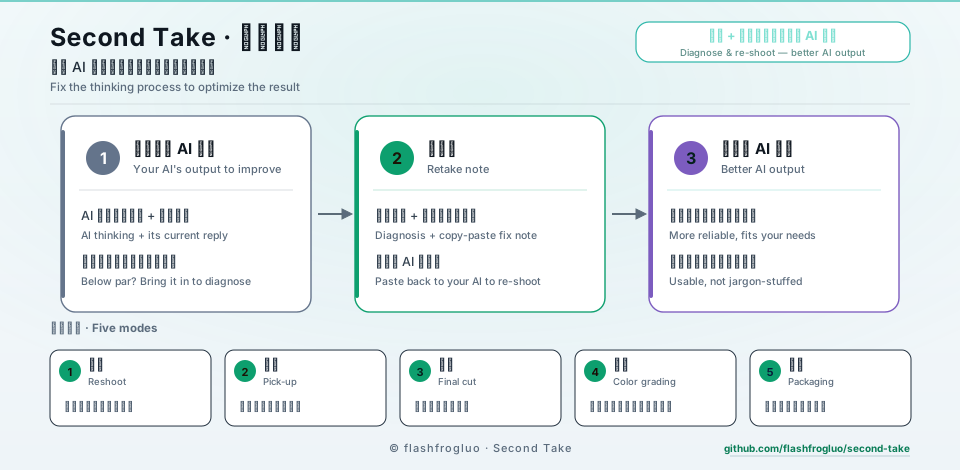
How it works
the answer +
the reasoning behind it
and what kind of fault
a self-contained block you copy in full
answers again from it
delivers a better result

Five modes
You never have to name a mode — it reads the context and picks the step.
What you get
One retake note — copy it in full and paste it at the end of the original chat.
Ignore the reasoning and its output from the previous turn; rewrite paragraph 3, no cross-domain evidence, body text onlyIllustration only
A retake note carries two more sections at the end:
- Domain-specific criteria — set the bar before rewriting. The target AI writes the acceptance criteria for your field first, then works to them, so the output does not merely satisfy the literal wording.
- Pre-delivery self-check — check items that can be judged pass/fail. It runs them before handing anything over.
Install
npx skills add flashfrogluo/second-take
Installs into your agent — the installer asks you to pick a target. Support depends on your version of the skills CLI.
Other ways to install
- Claude Code plugin:
/plugin marketplace add https://github.com/flashfrogluo/second-take.git, then/plugin install second-take@second-take - Codex · Cursor · Antigravity: the repo ships
.codex-plugin,.cursor-pluginand.antigravity-pluginmanifests - Script:
./install.sh— pulls the release package and copies only allowlisted files
More links
By @flashfrogluo — film background, now building and reviewing AI work. If this is useful, a star is the only signal I get that someone is using it.